Workflow
Pinterest + Blog System Starter
A beginner planning resource for turning AI blog topics into article outlines, pin angles, and content paths.
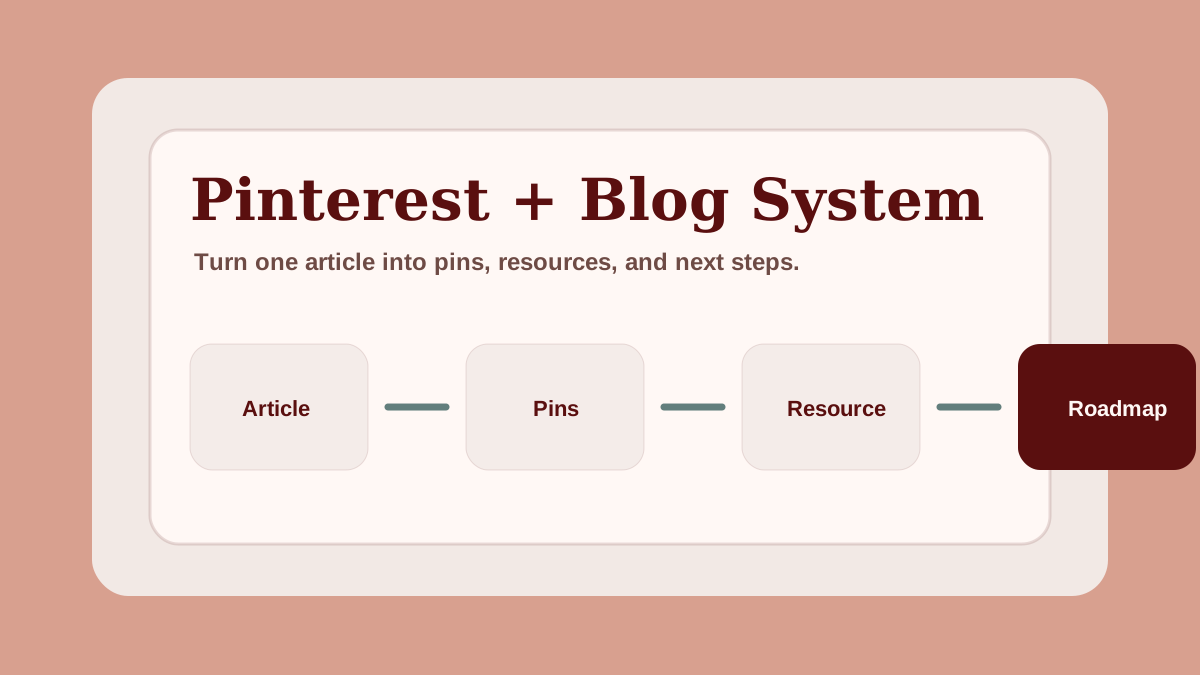
This starter system helps you turn one AI education topic into a blog post, a set of Pinterest angles, and a simple next resource.
Pinterest works best for AI education when it is treated as a discovery system, not a shortcut. One useful article can support several pins, and each pin can lead readers into a deeper guide, checklist, or beginner workflow.
Why Pinterest works differently from search
Search traffic usually starts with a question. Pinterest traffic often starts with a visual promise. That means your pin has to make the topic easy to understand before someone reads the article.
For an AI education website, this is useful because many beginners are still exploring. They may not know the exact keyword yet, but they recognize a helpful checklist, workflow, or beginner guide when they see it.
The safest approach is simple:
- publish a useful article
- create several pin angles from that article
- link each pin to the most relevant page
- give readers a practical next step
This keeps the system educational instead of spammy.
Use this workflow
- Choose one beginner problem.
- Write one article promise.
- Create five pin title angles.
- Draft a simple article outline.
- Add one resource or checklist CTA.
| Step | Output | Why it matters |
|---|---|---|
| Beginner problem | One clear topic | Keeps the article focused |
| Article promise | One useful result | Helps readers know what they will learn |
| Pin angles | 5 to 10 titles | Creates Pinterest discovery paths |
| Article outline | H2 and H3 structure | Supports SEO and readability |
| Resource CTA | Checklist or next step | Turns traffic into useful action |
Example topic
Topic: AI tools for beginners.
Article angle: "The AI tools beginners actually need for content planning."
Pinterest angles:
- AI tools for beginners
- AI content planning stack
- Beginner AI workflow checklist
- AI productivity tools for creators
- Simple AI blogging setup
Build one content path
Do not create pins in isolation. Build a path.
A simple path might look like this:
| Content asset | Purpose | Example |
|---|---|---|
| Pinterest pin | Earn the click | "AI tools beginners actually need" |
| Blog article | Explain the topic | Beginner AI tools guide |
| Resource | Help the reader act | Prompt workflow checklist |
| Ebook CTA | Offer a complete roadmap | First $100 With AI |
This structure helps every page support the next page. It also makes internal linking easier because the reader journey is clear.
Article-to-pin workflow
After writing an article, create pins from different reader angles:
- beginner mistake
- simple checklist
- step-by-step workflow
- tool comparison
- quick answer
- resource preview
Each pin should point to the page that best answers the promise. If the pin promises a checklist, link to a resource page. If it promises a guide, link to the article. This keeps Pinterest traffic aligned with user intent.
Quality checks
Before publishing pins, check:
- the pin title is specific
- the image is readable on mobile
- the article answers the promise
- the article has a relevant internal link
- the page has a natural CTA
- the pin does not make fake income claims
This is especially important for AI side hustle content because trust matters more than aggressive marketing.
Beginner publishing schedule
If you are starting from zero, keep the schedule light:
- publish one useful article
- create three to five pin titles
- design two pin variations
- link each pin to the article
- add one internal link to a resource
- review which title angle gets saved or clicked
Repeat this before expanding into a new topic. Pinterest rewards consistency, but consistency is easier when the system is simple.
Where AI helps
AI can help with:
- brainstorming pin title angles
- turning an article outline into pin ideas
- organizing reader problems
- rewriting titles for clarity
- creating a checklist from an article
AI should not replace your judgment. The final pin title still needs to sound useful, specific, and honest.
Best fit
Use this system when you want to connect SEO content with Pinterest discovery without making the site feel like a heavy affiliate blog.
Next step
This starter system helps you connect one article to Pinterest discovery. If you want a broader beginner roadmap for turning AI content workflows into a simple online income path, read the First $100 With AI roadmap. For the full publishing system that turns each article into a repeatable AI blogging workflow, follow the 2026 pillar. And once you are ready to extend this starter into a complete pin production, publishing, and monetization workflow, step up to the Pinterest Traffic Engine for AI Creators. For the description copy layer specifically — five-part framework, four content-type formulas, and a reusable AI prompt — use the AI Pinterest pin description template.
FAQ
How can beginners use Pinterest with AI blog content?
Beginners can use Pinterest with AI blog content by turning one search-focused article into multiple educational pin angles, then linking each pin back to the most relevant article or resource.
What should an AI blog and Pinterest workflow include?
A simple AI blog and Pinterest workflow should include a reader problem, article promise, outline, pin title angles, image plan, internal link, and resource CTA.
Is Pinterest useful for AI education websites?
Pinterest can be useful for AI education websites when pins are educational, specific, visually clear, and connected to helpful blog articles instead of hype-based income claims.