AI Blogging
AI Blogging Workflow for Beginners: A Step-by-Step Execution Guide
A practical AI blogging workflow for beginners — 7 execution steps from niche to publish. No fluff, no 2023 advice. Build a repeatable system today.
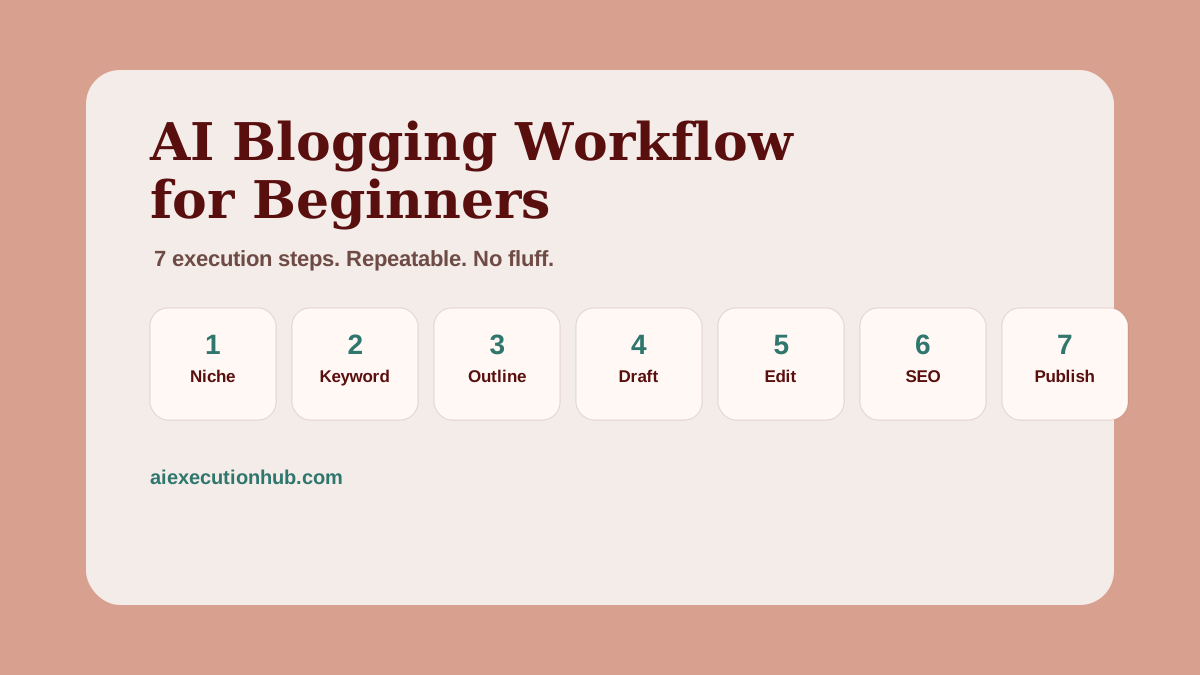
Most beginner bloggers ask the wrong question. They ask "which AI tool should I use?" before they understand the workflow that makes any tool produce useful output.
The tool is not the bottleneck. The missing system is.
An AI blogging workflow is a sequence of execution steps — the same ones every time, for every post. When you follow the steps, the output is consistent. When you skip them, the output is generic, even with the best AI tool available.
This guide walks through the complete workflow beginners need to go from zero to a published, SEO-structured blog post using AI — without the outdated 2023 advice that still dominates most search results.
What is an AI blogging workflow?
An AI blogging workflow is a repeatable sequence of steps that uses AI at specific points to speed up research, outlining, drafting, and optimization — while keeping a human in control of strategy, accuracy, and quality. The seven core steps are: choose a niche, research a keyword, build an outline, draft with AI prompts, edit for human usefulness, optimize on-page SEO, and publish. Running the same sequence for every post is what makes blogging sustainable.
Why most beginner AI blogging advice is outdated
Most guides published in 2023 were written before two things happened.
First, search engines updated their helpful-content signals to explicitly penalize thin, AI-generated pages that exist to rank rather than to help. A post that reads like an AI completed a homework assignment — technically correct, padded to length, no real examples — does not perform the way it might have in 2022.
Second, AI tools improved. The bottleneck is no longer getting AI to produce text. The bottleneck is knowing what to ask for, how to edit the output, and how to structure a post so it actually earns trust.
The workflow in this guide reflects how AI blogging works in 2026, not how it worked when these tools first launched.
The 7-step AI blogging workflow
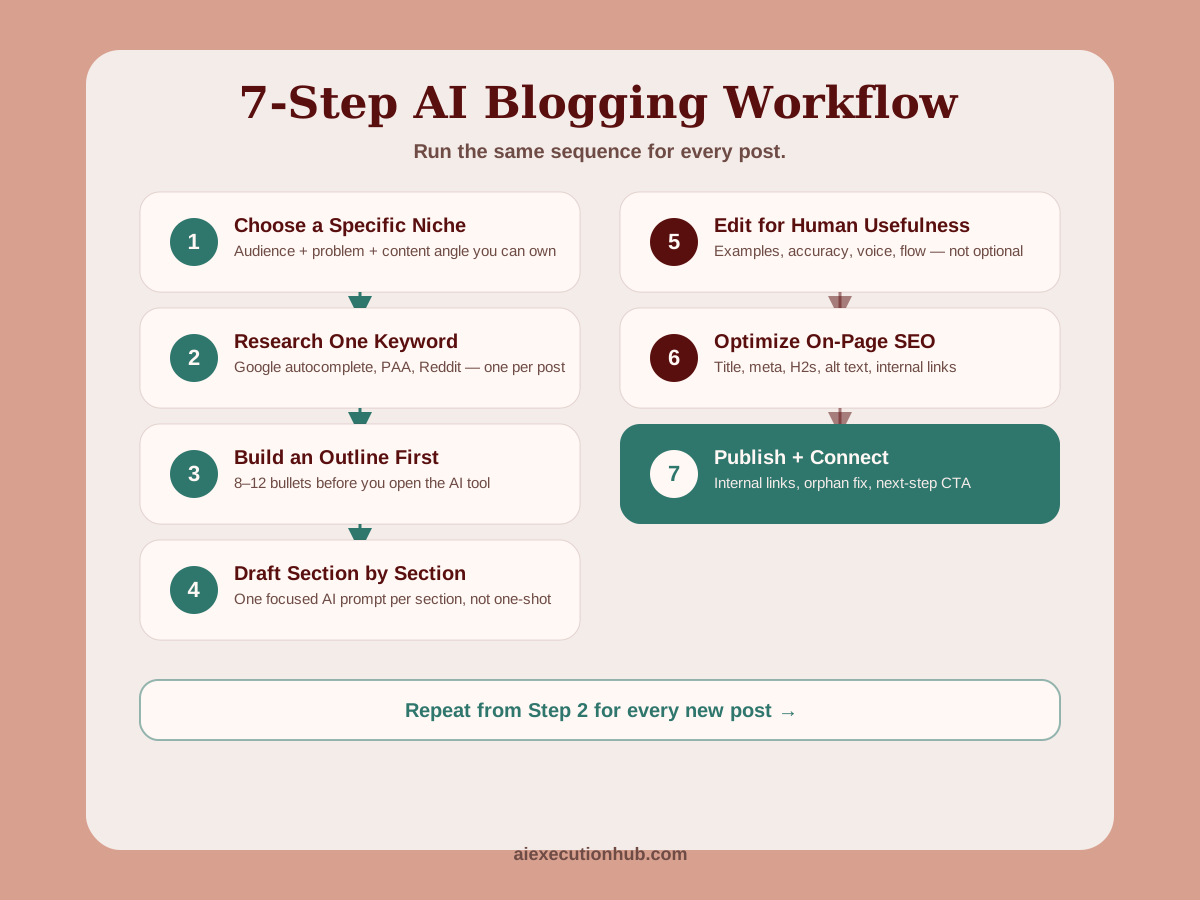
Step 1: Choose a specific niche
A niche is not just a topic. It is the intersection of an audience, a problem, and a content angle you can own with consistent posts.
"Personal finance" is a topic. "AI side hustles for people who work full-time jobs" is a niche.
The difference matters because a specific niche makes every downstream decision easier:
- You know which keywords to target
- You know what readers already understand and what they need explained
- You can build topical authority by covering related subtopics in depth
Beginners who skip niche selection produce scattered content. Scattered content does not build authority.
Choose a niche narrow enough that you can cover it thoroughly with 10–20 posts, and broad enough that real people search for information about it.
Step 2: Research one keyword per post
Every post targets one primary keyword. That keyword answers the question: "what would someone type into a search engine to find this post?"
You do not need a paid keyword tool to start. Use:
- Google autocomplete — type your topic and note the suggestions
- "People also ask" boxes — the questions Google shows for a related search
- Reddit and Quora threads — the exact phrases real beginners use when they are confused
Pick a keyword that is specific and matches informational intent. "AI blogging" is too broad. "AI blogging workflow for beginners" signals someone who wants a system, not a definition.
One keyword per post. Use it naturally in the title, the first paragraph, at least one H2, and the meta description. That is the full scope of keyword work for a beginner post.
Step 3: Build a simple outline before you prompt
Most beginners skip straight to prompting AI for a full draft. This is the fastest way to get a generic article.
Before you open your AI tool, write a rough outline:
- What is the reader's problem?
- What does a useful answer look like?
- What are the 4–6 main sections that build toward that answer?
- What does the conclusion send the reader to next?
The outline does not need to be detailed. Eight to twelve bullet points is enough. The point is to give AI a structure to fill rather than asking it to invent the structure itself.
When AI invents the structure, it defaults to a generic listicle. When you define the structure, AI fills in useful content within each section.
For a complete system that goes beyond a rough outline — including intent mapping, structure selection, section briefs, and H3 logic — the AI blog post outlining system covers the four-part framework that makes long-form drafting predictable.
Step 4: Draft section by section with AI prompts
Do not ask AI to write the entire post in one prompt. Long one-shot drafts produce repetitive, padded output that takes more time to fix than to draft properly.
Instead, draft one section at a time. For each section, give AI three things:
- The section goal — what specific question should this section answer?
- The reader context — who is the audience and what do they already know?
- The tone — calm, direct, practical, no hype
Example prompt for the keyword research section:
"Write the 'Step 2: Research one keyword per post' section for a beginner AI blogging workflow guide. The reader is someone who has never done SEO keyword research before. Explain what a keyword is, how to find one without paid tools, and how to use it in the post. Keep the tone practical and direct. 150–200 words."
That prompt produces a focused, useful section. Editing it takes 10 minutes. Editing a 2,000-word one-shot draft takes two hours.
Repeat for each section in your outline. You will have a complete draft in 60–90 minutes.
For structured prompt templates you can copy and adapt for each section type, the AI Prompt Workflow Checklist gives ready-to-use formats for research, outlines, drafts, and editing passes.
Step 5: Edit for human usefulness
This is the step most beginners skip, and it is the step that separates useful content from generic content.
After drafting every section, read the full post from top to bottom and ask:
- Does every section answer a real question? Remove sections that exist only to add length.
- Are there specific examples? Replace vague statements with concrete ones.
- Is anything inaccurate? AI occasionally produces plausible-sounding errors. Verify any factual claim.
- Does it sound like a person? Add your own perspective. Remove repeated phrases.
- Does it flow? Each section should lead naturally to the next.
A clean editing pass takes 45–60 minutes for a 2,000-word post. It is not optional.
The test is simple: if you read a section and cannot explain how it actually helps the reader, cut or rewrite it.
For a structured five-step framework that covers stripping generic phrasing, adding specifics, injecting your point of view, fixing flow, and verifying claims, see how to humanize AI content for SEO.
Step 6: Optimize on-page SEO
On-page SEO for a beginner post covers five things:
| Element | What to do |
|---|---|
| Title / H1 | Include the primary keyword naturally |
| Meta description | 140–160 characters, includes keyword, explains what the reader gets |
| First paragraph | Use the primary keyword in the first 2–3 sentences |
| H2 headings | At least one H2 should include the keyword or a close variation |
| Image alt text | Describe what the image shows, include the topic |
That is the full SEO checklist for a beginner post. You do not need to optimize for dozens of keywords or build complicated schema by hand — modern publishing platforms handle most technical SEO automatically.
Internal links matter too. Connect each post to 3–5 related posts on your blog. Readers follow the links; search engines use them to understand your site's structure.
For an end-to-end look at how on-page SEO, schema, and meta optimization fit into the complete blogging system, the Ultimate AI Blogging System (2026 Edition) covers all 16 stages in detail.
Step 7: Publish and connect the post
Publishing is not the final step — connecting the post is.
Before you hit publish, do three things:
- Add internal links from the new post to 3–5 existing posts on related topics
- Update 1–2 existing posts to link back to the new one (this prevents the post from becoming an orphan)
- Add a clear next step — a related post, a free resource, or a contextual offer — so the reader has somewhere to go
After publishing, the workflow repeats. Next post: back to Step 2.
The beginner AI blogging tool stack
You do not need an expensive tool stack to run this workflow. Here is what actually matters:
| Role | Free option | Paid option (if you scale) |
|---|---|---|
| AI drafting | ChatGPT free, Google Gemini | ChatGPT Plus, Claude Pro |
| Keyword research | Google autocomplete, Reddit search | Ahrefs, Semrush |
| Writing document | Google Docs, Notion | Same |
| Publishing | WordPress.com, Ghost | Self-hosted WordPress, Next.js |
| Image creation | Canva free, SVG by hand | Canva Pro, Figma |
The free tier gets you through the first 20 posts. Upgrade only when the workflow is running consistently and revenue justifies it.
For a full comparison of AI writing, research, design, and planning tools with workflow-specific notes, see the best AI tools for beginners guide.
Pre-publish checklist
Copy this before every post goes live:
Research and structure
- Primary keyword identified and confirmed against search intent
- Outline built before prompting AI
- One H1, logical H2/H3 hierarchy
Content quality
- Every section answers a real reader question
- No invented statistics or fabricated quotes
- At least one specific, concrete example per major section
- Full editing pass completed
On-page SEO
- Primary keyword in title, first paragraph, at least one H2, meta description
- Meta description is 140–160 characters
- Featured image has descriptive alt text
Internal linking
- 3–5 internal links added to related posts
- At least 1–2 existing posts updated to link here
Publishing
- Clear next step in the conclusion (related post or offer)
- Post reads cleanly on mobile
Common mistakes beginners make
Prompting for a full draft immediately. The output is long, padded, and generic. Draft section by section.
Publishing without editing. AI drafts are starting points, not final copy. Every post needs a human pass.
Targeting keywords that are too broad. "AI tools" will not rank. "Best free AI tools for beginner bloggers" has a real reader behind it.
Skipping internal links. Posts without internal links are harder for search engines to discover and harder for readers to navigate.
Treating workflow as a one-time setup. The workflow only works if you run it for every post, every time. Consistency is the strategy.
Optimizing for length instead of usefulness. A 1,200-word post that fully answers a specific question outperforms a 3,000-word post that pads the same answer five times over.
Example: writing a beginner post end to end
Here is what one full execution looks like.
Day 1 — Research and outline (30 minutes)
Niche: AI side hustles for beginners. Target keyword: "how to start an AI side hustle with no experience." Google autocomplete confirms people search this. PAA shows questions about tools, time commitment, and first income.
Outline: intro (the execution gap), quick answer, why most beginners stall, 5 steps to start, tool stack, mistakes, FAQ, conclusion.
Day 2 — Draft and edit (2–3 hours)
Draft each section with a focused prompt. Edit full post: add one personal example per section, remove two padded paragraphs, verify all tool names are accurate, add internal links to related posts.
Day 3 — SEO and publish (30–45 minutes)
Write meta title and description. Check keyword placement in title, intro, two H2s, alt text. Add internal links. Update one existing post to link to the new one. Publish.
Result: A 1,800-word post that answers a specific question, ranks for a low-competition keyword, and connects to the broader content system.
This is the AI content workflow for beginners applied to a specific post — and it is the same pattern that repeats for every article on a growing blog.
FAQ: AI blogging workflow for beginners
What is an AI blogging workflow?
An AI blogging workflow is a repeatable sequence of steps that uses AI at specific points to speed up research, outlining, drafting, and optimization — while keeping a human in control of strategy, accuracy, and quality. Running the same sequence for every post is what makes blogging sustainable.
How do beginners start a blog with AI?
Beginners start by picking one specific niche, researching a keyword their audience searches, building a simple outline, drafting each section with AI prompts, editing for accuracy and voice, optimizing the meta fields, and publishing. The workflow repeats from step 2 for every new post.
Can AI write blog posts for beginners?
AI can draft blog post sections for beginners, but the output needs human editing for accuracy, tone, examples, and usefulness. AI handles volume and structure; the human handles judgment and quality.
What tools do you need for an AI blogging workflow?
A beginner AI blogging workflow needs four things: an AI writing assistant (ChatGPT, Claude, or Gemini), a keyword research starting point (Google autocomplete or a free tool), a writing document (Google Docs or Notion), and a publishing platform (WordPress, Ghost, or a static site).
How long does it take to write a blog post with AI?
A 1,500–2,500 word blog post using an AI workflow typically takes 2–4 hours for beginners — about 30 minutes for research and outline, 60–90 minutes for AI-assisted drafting, and 60 minutes for editing, SEO, and publishing prep.
Is AI blogging worth it for beginners in 2026?
AI blogging is worth it for beginners in 2026 if they use AI as a workflow tool, not a content machine. Useful, structured posts that match search intent still rank and earn. Volume without quality does not.
What is the first step in an AI blogging workflow?
The first step is choosing a specific niche. Without a defined audience and topic focus, every downstream step — keyword research, drafting, linking, monetization — becomes harder and less effective.
How do you make AI blog posts sound human?
Make AI blog posts sound human by editing for your voice, replacing generic phrases with specific examples, removing repetition, adding your own opinion or experience, and reading each paragraph out loud before publishing.
Next steps
The seven steps in this guide give you the execution foundation. Every post you publish will run the same sequence.
The next layer is the full system — keyword clustering, topical authority, content refresh, schema, monetization, and the full 16-stage production pipeline. That is what the Ultimate AI Blogging System (2026 Edition) covers.
Once you are publishing consistently, the planning layer becomes the bottleneck. The AI content calendar for niche sites covers how to group posts into keyword clusters, sequence supporting posts before pillars, and run a 90-minute monthly planning session so production never starts from a blank page.
For the specific on-page SEO and meta optimization step, automating Yoast SEO meta with AI gives copy-paste prompts for meta titles, descriptions, and focus keyphrases — the exact step most beginners skip.
If you want to move beyond blogging and turn this workflow into a practical first income system, First $100 With AI maps the path from AI skills and consistent content to your first real online sale.
Related AI systems
Continue with connected AI workflow guides.
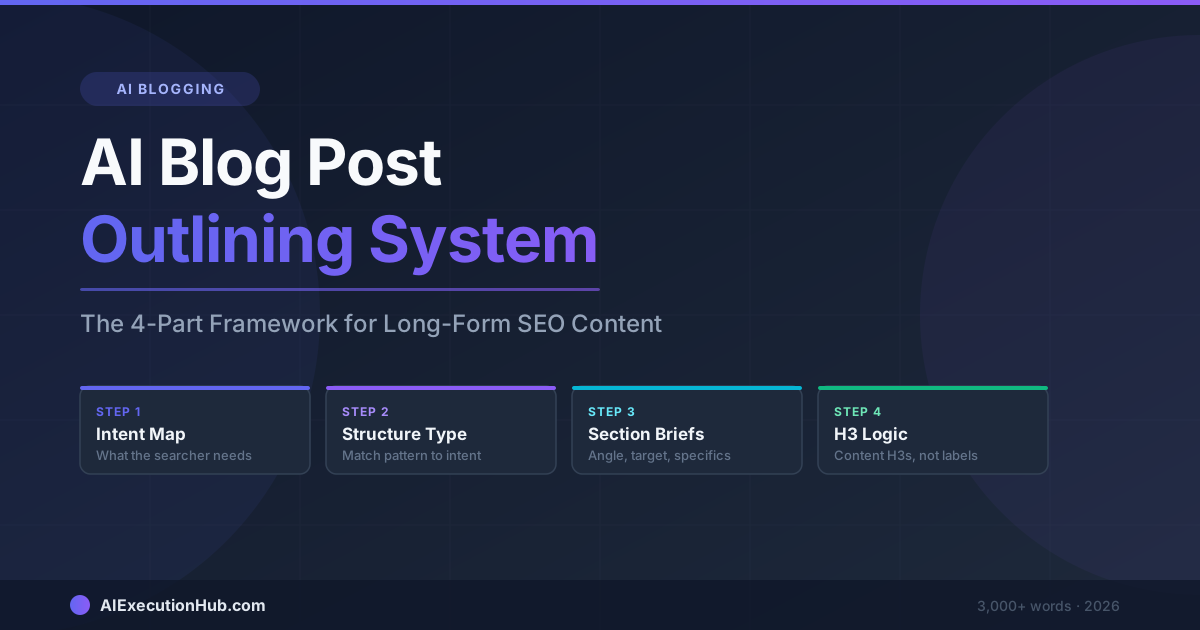
AI Blog Post Outlining System: The 4-Part Framework for Long-Form SEO Content
A practical AI blog post outlining system that structures long-form SEO content before drafting — 4 steps from keyword intent to section briefs that write themselves.
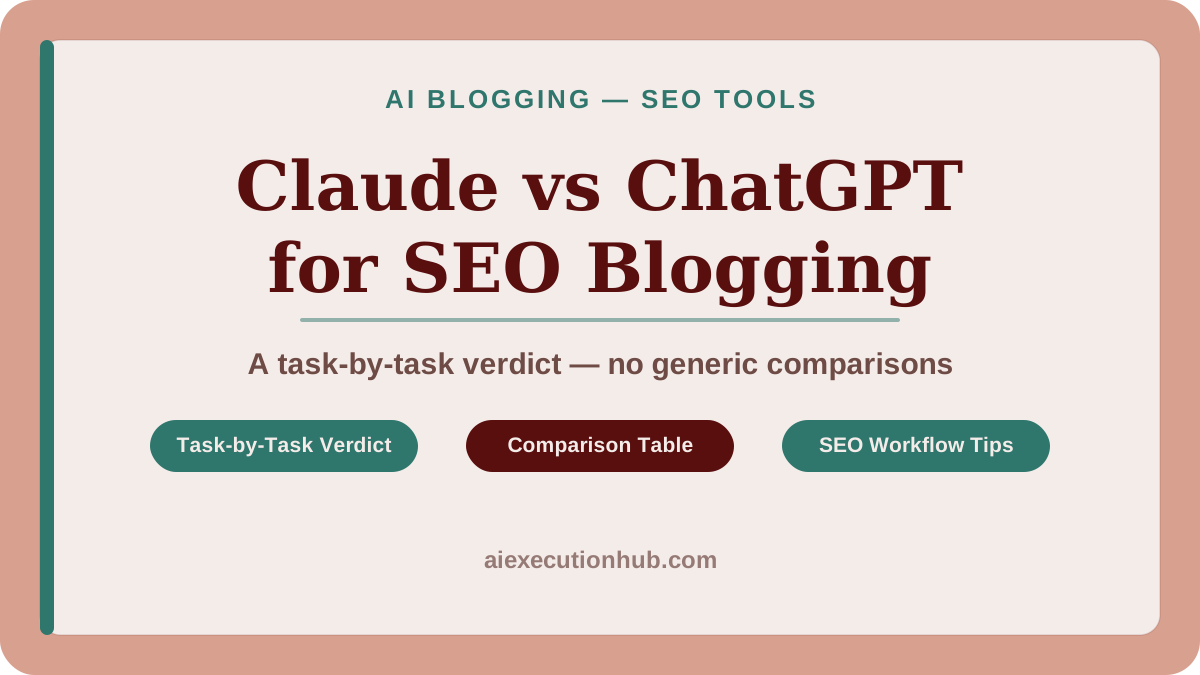
Claude vs ChatGPT for SEO Blogging: A Task-by-Task Verdict
Claude vs ChatGPT for SEO blogging — a task-by-task breakdown of which AI wins for outlines, meta descriptions, tone editing, internal linking, and more.
AI Content Calendar for Niche Sites: A Practical Planning System
Build an AI content calendar for your niche site — keyword clustering, publishing cadence, seasonal timing, and a repeatable monthly planning system.