AI Workflows
Beginner AI Workflows: A Practical System Guide for Creators
Learn beginner AI workflows for research, content planning, prompts, Pinterest traffic, productivity, and simple online execution without overwhelm.
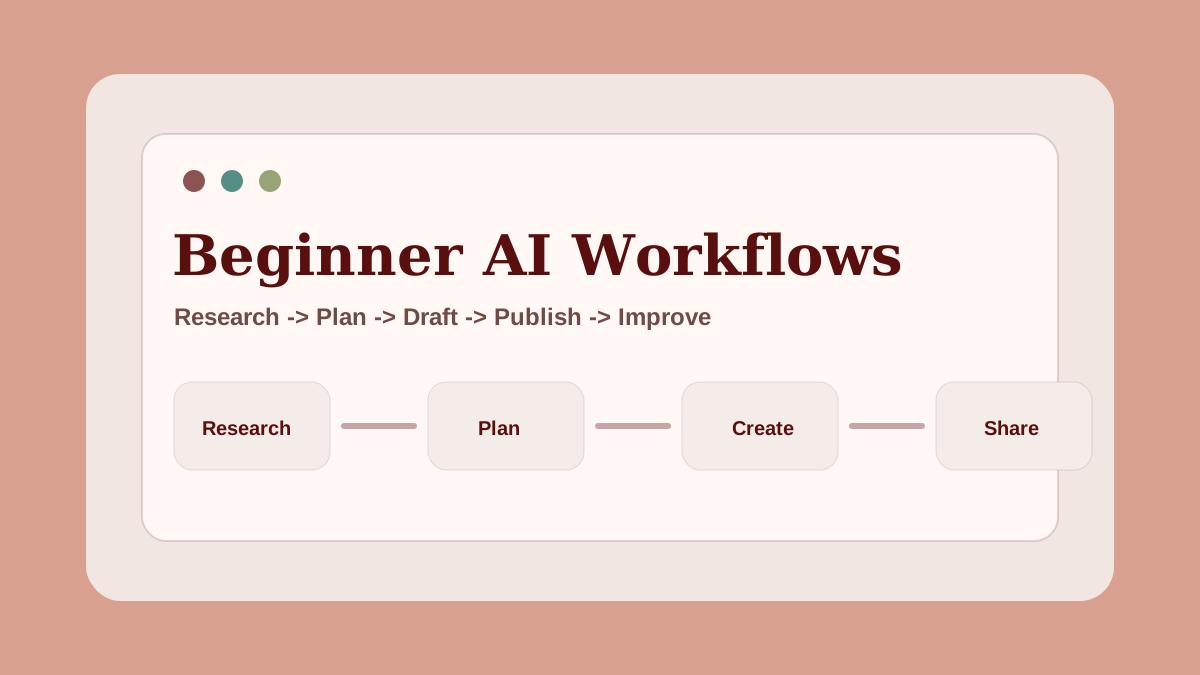
Beginner AI workflows are more useful than random AI tool lists because they show you how to use AI in a repeatable way.
A tool can answer a question. A workflow helps you complete a task.
That difference matters. Beginners often get stuck because they try a new tool, generate a few outputs, and then move on without building a system. The result is scattered notes, unfinished ideas, and no clear next step.
An AI workflow gives the work a path.
Quick answer: what is a beginner AI workflow?
A beginner AI workflow is a repeatable process for using AI tools to complete one useful task. That task might be researching an article, planning a content calendar, creating Pinterest pin titles, building a prompt pack, summarizing customer questions, or turning one idea into a simple resource.
The workflow matters more than the tool. Tools change. A clear process for thinking, editing, organizing, and publishing stays useful.
Why workflows matter more than tools
Most AI advice starts with tools because tools are easy to list. But a beginner does not only need to know what tool exists. They need to know what to do with it.
For example, "use AI for blogging" is vague.
A workflow is clearer:
- Choose a reader problem.
- Ask AI for search intent angles.
- Build a structured outline.
- Draft one section at a time.
- Edit for examples, accuracy, and usefulness.
- Add internal links and image ideas.
- Repurpose the article into Pinterest pins.
Now the beginner can act.
This is why AIExecutionHub focuses on AI workflow systems instead of hype. A good workflow helps you move from idea to output without pretending AI does all the thinking.
The five-part beginner workflow model
Most beginner AI workflows can be reduced to five parts.
| Workflow part | Question to answer | Example |
|---|---|---|
| Input | What information does the AI need? | Topic, audience, goal, examples |
| Prompt | What should the AI do? | Research, outline, summarize, rewrite |
| Review | What should a human check? | Accuracy, tone, usefulness, gaps |
| Output | What is the final deliverable? | Article outline, pin list, checklist |
| Repeat | How can this become reusable? | Template, spreadsheet, prompt chain |
If a workflow does not include review, it is risky. If it does not include a clear output, it is hard to sell or reuse.
Workflow 1: Research-to-outline system
The research-to-outline workflow is the best starting point for many beginners because it supports several paths: AI blogging, YouTube scripts, Pinterest content, newsletters, research briefs, and prompt products.
Start with one topic and one reader.
Example:
"A beginner wants to understand AI side hustles without fake income promises."
Then ask AI to identify:
- likely search intent
- beginner questions
- subtopics
- mistakes to avoid
- examples the article should include
- related internal links
Do not publish the AI output as-is. Use it as raw material. Your job is to choose the useful ideas and organize them into a human-readable outline.
For a complete article process, use the AI content workflow for beginners.
Workflow 2: Blog-to-Pinterest repurposing
Pinterest works well for educational AI content because users search for ideas they can save. A beginner workflow can turn one article into several pin angles.
Use this simple process:
- Choose one strong article.
- Pull out the main sections.
- Turn each section into a pin title.
- Write a short pin description for each angle.
- Match each pin to the article or a supporting resource.
Example pin angles from an AI workflow article:
- Beginner AI Workflows
- AI Content Workflow for Blog Posts
- How to Use AI Without Sounding Generic
- AI Workflow Checklist for Creators
- Simple AI Productivity System
The goal is not to create loud graphics. The goal is to make the article easier to discover.
For more detail, read the Pinterest Traffic Engine for AI Creators.
Workflow 3: Prompt workflow builder
A prompt workflow is stronger than a random prompt list. It gives the user a sequence.
A basic prompt workflow might include:
- Prompt 1: clarify the task
- Prompt 2: generate options
- Prompt 3: compare options
- Prompt 4: create the first draft
- Prompt 5: review and improve the output
This structure works for blog outlines, client onboarding, content calendars, product ideas, research summaries, and productivity systems.
If you want to build prompt products, start with one specific workflow. A "creator content planning prompt system" is stronger than "100 ChatGPT prompts."
You can use the AI Prompt Workflow Checklist to design a cleaner prompt chain.
Workflow 4: Simple offer builder
AI workflows can also support beginner AI side hustles. The workflow should create a clear deliverable.
For example:
"I help beginner bloggers turn one topic into an SEO outline, five Pinterest pin ideas, and a simple content checklist."
That offer has a buyer, a result, and a workflow.
To build your first offer, answer:
- Who is this for?
- What problem does it solve?
- What output will they receive?
- What AI workflow helps create the output?
- How will you check quality before delivery?
This keeps the offer grounded. It also makes the work easier to repeat.
For a wider list of options, read the beginner AI side hustle guide.
Workflow 5: Weekly execution review
The final beginner workflow is not about producing content. It is about improving the system.
Once per week, review:
- what you published
- what took too long
- what prompt worked
- what output needed the most editing
- what readers clicked
- what should become a reusable template
This review turns practice into learning. It helps you build better systems instead of repeating the same mistakes.
A simple beginner stack
You do not need a complicated stack to start.
| Need | Tool category | Beginner use |
|---|---|---|
| AI assistant | ChatGPT, Claude, Gemini, or similar | Research, outlines, drafting, summaries |
| Documents | Google Docs, Notion, or similar | Deliverables and templates |
| Planning | Spreadsheet or project board | Calendars, tasks, workflow tracking |
| Design | Canva-style tool | Pinterest pins and simple resources |
| Publishing | Blog, Pinterest, newsletter, or social platform | Distribution and trust building |
Start with the smallest stack that lets you finish real work. More tools can come later.
FAQ about beginner AI workflows
What is a beginner AI workflow?
A beginner AI workflow is a repeatable process for using AI tools to complete one useful task, such as researching a topic, planning content, creating pin titles, organizing prompts, or building a simple resource.
What AI workflow should beginners learn first?
Most beginners should learn a research-to-outline workflow first because it supports blogging, Pinterest content, YouTube scripts, prompt packs, and simple client deliverables.
Do beginner AI workflows require automation tools?
No. A beginner AI workflow can start with an AI assistant, a document, a spreadsheet, and a checklist. Automation should come later after the workflow is clear and repeatable.
How do I know if an AI workflow is useful?
A useful AI workflow produces a clear output, saves time, improves quality, and can be repeated without starting from scratch every time.
Next step
If you want a practical starting point, choose one workflow from this guide and use it for one week. Do not add more tools yet. Build one repeatable system, then improve it.
If blogging is your main output channel, the step-by-step AI blogging workflow for beginners gives you a 7-step sequence specifically for going from keyword to published post — the most common workflow beginners need first.
One underused AI workflow for small businesses and healthcare practices: patient communication. The AI email templates for clinics guide shows a copy-paste prompt workflow for appointment reminders, follow-ups, and reactivation emails — a concrete example of repeatable AI output in a real-world context.
For the broader roadmap, read First $100 With AI.
Related AI systems
Continue with connected AI workflow guides.
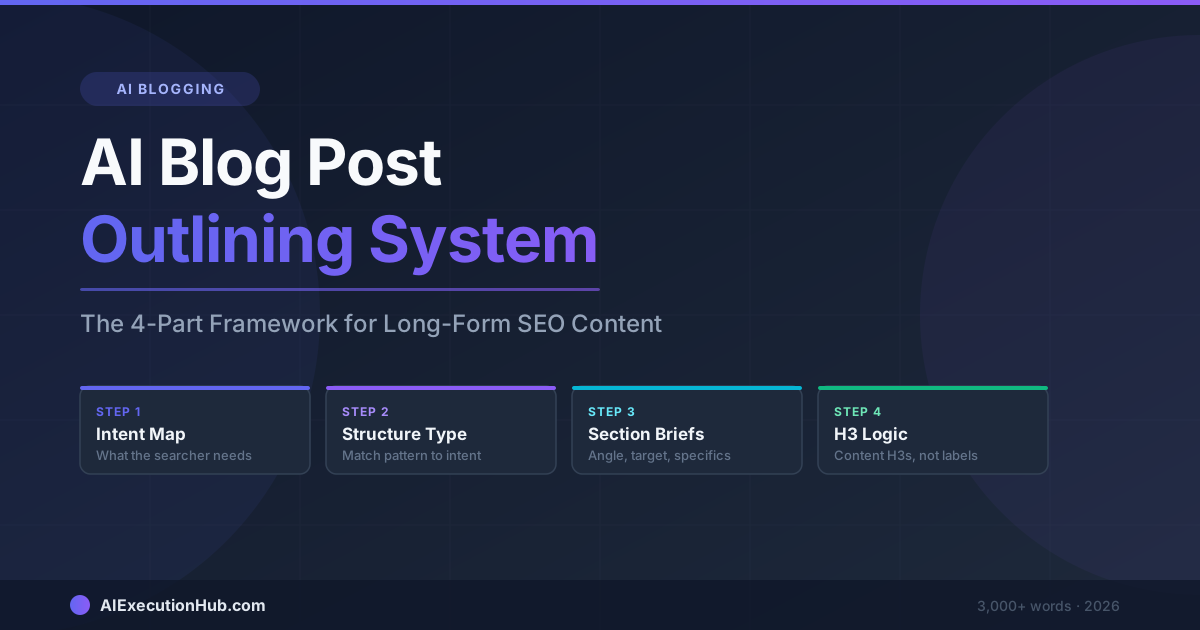
AI Blog Post Outlining System: The 4-Part Framework for Long-Form SEO Content
A practical AI blog post outlining system that structures long-form SEO content before drafting — 4 steps from keyword intent to section briefs that write themselves.
Claude vs ChatGPT for SEO Blogging: A Task-by-Task Verdict
Claude vs ChatGPT for SEO blogging — a task-by-task breakdown of which AI wins for outlines, meta descriptions, tone editing, internal linking, and more.
AI Content Calendar for Niche Sites: A Practical Planning System
Build an AI content calendar for your niche site — keyword clustering, publishing cadence, seasonal timing, and a repeatable monthly planning system.