AI Blogging
Automating Yoast SEO Meta with AI: A Practical Workflow (2026)
Learn how to automate Yoast SEO meta titles and descriptions with AI prompts — a copy-paste workflow for WordPress bloggers and creators in 2026.
If you have more than ten published posts on your WordPress site, you almost certainly have a meta description problem. Some posts have none. Some have descriptions copied from the intro. Some were auto-generated by Yoast from the first two sentences and never touched again.
Meta titles and descriptions are not glamorous. They feel like the last thing you do before hitting publish, after you have already spent hours on the actual content. So they get skipped, guessed at, or ignored entirely.
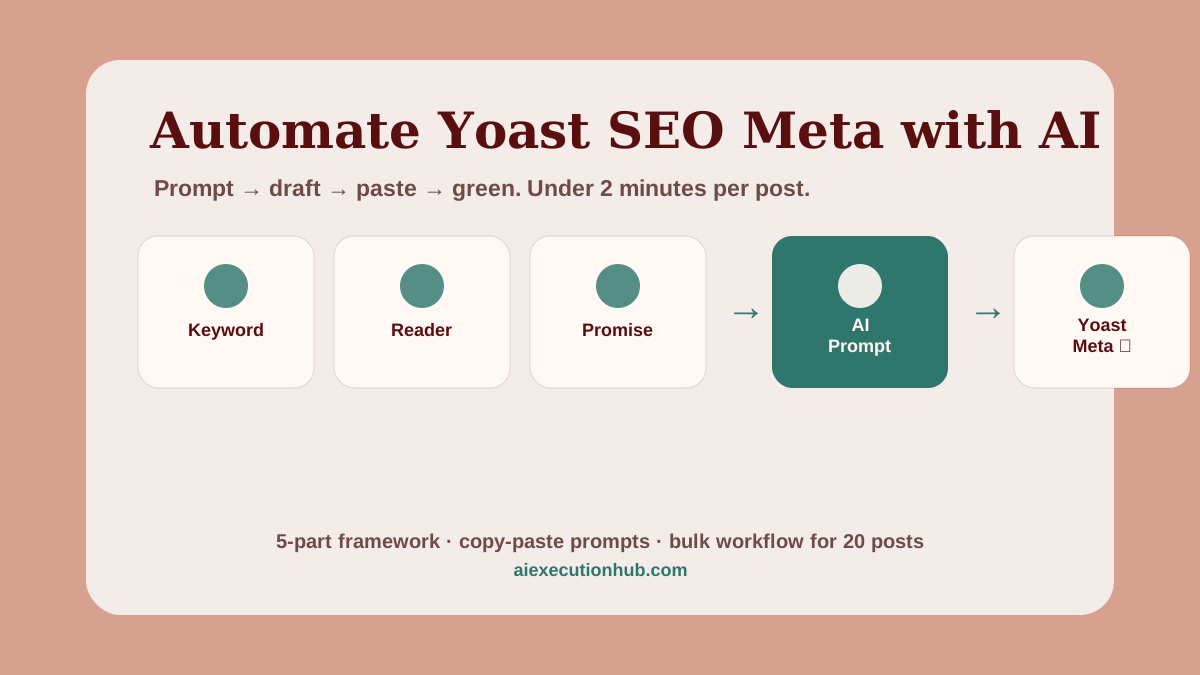
AI makes this fast enough to actually do — if you have the right prompt structure. Vague prompts produce vague output that still needs rewriting. A structured template gives AI the four inputs it needs to produce something that goes straight into Yoast with only a 30-second edit.
This guide covers the five-part input framework, copy-paste prompt templates for meta titles and descriptions, the bulk workflow for batching 10–20 posts at once, and the common mistakes to catch before you save. It fits inside The Ultimate AI Blogging System (2026 Edition) as the on-page SEO layer — the piece most bloggers skip.
Quick answer: what does automating Yoast SEO meta with AI mean?
Automating Yoast SEO meta with AI means using a structured prompt to generate meta title and description drafts for each post, then pasting the output into the Yoast SEO panel after a brief human edit. AI handles the first draft in seconds. You handle accuracy, length, and brand voice. The result is a repeatable workflow that produces optimized Yoast meta for every post instead of just the ones you had energy for.
Why Yoast meta still matters in 2026
Two things have not changed despite every shift in how search engines work:
Meta titles are a confirmed ranking signal. Google uses the title tag — which Yoast controls via its SEO title field — to understand the topic of a page. Keyword placement, specificity, and length all affect how the page ranks and for what queries.
Meta descriptions drive click-through rate. Google does not use descriptions for ranking directly, but it does use CTR as a behavioral signal. A description that matches the searcher's intent and makes a specific promise pulls more clicks than a generic one cut from the first paragraph.
In 2026, AI Overviews and zero-click results have reduced easy traffic for shallow posts. The posts that still earn clicks are the ones that stand out in the snippet — a strong, specific title and a description that answers the "why click this one?" question.
Yoast gives you the tools. The gap for most bloggers is time. AI closes that gap.
The 5-part AI meta input framework
The quality of AI meta output is almost entirely determined by what you give it. Generic input produces output you will spend more time rewriting than if you had written from scratch. These five inputs produce usable output every time.
1. Primary keyword
The exact phrase you want the post to rank for. Not the broad topic — the specific 2–4 word phrase that matches search intent. This goes near the front of the meta title and appears once in the description.
2. Reader profile
One sentence describing who this post is for. "WordPress blogger with 20+ posts who uses Yoast but has never optimized meta" is more useful to AI than "bloggers." The more specific the reader, the more specific the promise AI writes.
3. Promise
The one thing the reader gets from this post. Not "tips and tricks." Something concrete: "a copy-paste prompt template, a bulk workflow for 20 posts, and a 30-second edit checklist." AI writes better calls to action when it knows the actual deliverable.
4. Length constraint
Tell AI the character target explicitly: meta title under 60 characters, description 140–155 characters. Without this constraint, AI defaults to whatever feels complete to it — usually too long.
5. Brand or site name (optional)
If you include the site name in meta titles, tell AI where to place it. "Site name at the end, separated by a dash" produces consistent output across posts.
Step-by-step workflow: post to Yoast in under 2 minutes
This is the single-post flow. The bulk version is in the next section.
Step 1 — Identify the primary keyword. If you researched keywords before writing the post, this is already known. If not, ask AI: "What is the single most search-intent-matched 2–4 word phrase for this topic: [post title]?" Pick from the 5 options it returns.
Step 2 — Fill in the five inputs. Open a scratch doc or the AI chat window. Write one line for each: keyword, reader, promise, length, brand preference.
Step 3 — Run the meta title prompt. Paste the template below with your inputs filled in. AI returns three variants. Pick the strongest.
Step 4 — Run the meta description prompt. Same template structure, different output format. Edit to hit 140–155 characters.
Step 5 — Run the focus keyphrase prompt. One line. Takes 10 seconds.
Step 6 — Paste into Yoast. Open the Yoast panel in WordPress. Paste the SEO title, meta description, and focus keyphrase into their respective fields. Watch the indicators go green.
Step 7 — 30-second human edit. Read both aloud. Cut anything that sounds like a banner ad. Verify the keyword appears in the description. Check the character count indicators. Save.
The AI prompt templates
These prompts are copy-paste ready. Replace the bracketed inputs with your post's specifics.
Meta title prompt
Write 3 meta title variants for a blog post. Requirements:
- Primary keyword: [your keyword]
- Include the keyword near the front
- Under 60 characters each (count carefully)
- Specific, not generic — avoid "tips", "guide", "everything you need"
- No clickbait
- Optional: add [site name] at the end separated by a dash if space allows

Post topic: [one-sentence description of the post]
Target reader: [one-sentence reader profile]
Meta description prompt
Write 2 meta description variants for a blog post. Requirements:
- Primary keyword: [your keyword]
- Exactly 140–155 characters each (count carefully)
- Include the keyword in the first sentence
- Make a specific promise — what does the reader get?
- End with an action phrase, not a generic CTA
- No superlatives (best, ultimate, amazing), no filler

Post topic: [one-sentence description]
The three things this post delivers: [list them]
Target reader: [one-sentence profile]
Focus keyphrase prompt
Suggest the single best Yoast focus keyphrase for this post:
- Topic: [post topic]
- Target reader: [who they are]
- Choose a 2–4 word phrase that matches what this reader would type into Google
- Return 5 options ranked by search intent match
These connect directly to the prompts in the AI prompt library — you can save your filled-in versions there as reusable templates.
Tool comparison: which AI works best for Yoast meta
All three major AI tools produce usable Yoast meta. The differences are in style defaults and editing overhead.
| Tool | Meta title quality | Description quality | Length accuracy | Best for |
|---|---|---|---|---|
| ChatGPT (GPT-4o) | Good — tends toward punchy | Good — occasionally generic | Requires explicit constraint | Single posts, fast iteration |
| Claude (Sonnet/Opus) | Strong — more specific by default | Strong — lower filler rate | Follows length rules well | Structured prompts, bulk batches |
| Gemini (Pro) | Decent — sometimes too literal | Decent — needs editing | Variable | Quick drafts when already in Google Workspace |
| Yoast AI (built-in) | Good — Yoast-native | Good — Yoast-native | Auto-managed | WordPress users who want one-click generation |
Yoast's own AI feature (available in Yoast Premium) generates meta directly inside the plugin — no prompt needed. It reads the post content and produces a suggestion. The tradeoff: you cannot customize the prompt, so the output is generic for posts with non-obvious angles.
For posts with a clear angle and keyword, a custom prompt beats the one-click option because you control the specificity. For posts with thin differentiation, Yoast's built-in AI is faster.
The bulk workflow: 20 posts in 45 minutes
The single-post flow is fine for new posts. For an existing site with unpopulated or weak meta, the bulk workflow is more practical.
Step 1 — Audit your current meta. Export your post list from WordPress (Tools → Export, or use a plugin like WP All Export). You need: post title, URL, current meta title, current meta description.
Step 2 — Identify priority posts. Sort by traffic (Google Search Console → Pages) or by ranking position (rank tracker). Focus first on posts ranking positions 5–20 — these are closest to a CTR improvement. Also flag posts with no meta description.
Step 3 — Build the prompt spreadsheet. Create a sheet with columns: Post Title, Primary Keyword, Reader Profile (can be the same for all posts on a similar topic), Promise (1 sentence per post), Meta Title Output, Meta Description Output.
Step 4 — Batch the prompts. Use one AI chat session. Paste the meta title prompt with each row's inputs. Copy the best variant into the Output column. Repeat for descriptions. You can feed 3–5 posts per message to save time.
Step 5 — Edit pass. Read every output in the spreadsheet. Flag anything over 60 / 155 characters. Flag generic phrasing. Fix in the spreadsheet before opening WordPress.
Step 6 — Update in Yoast. Open each post, paste from the spreadsheet, save. With a clean edit pass already done, each post takes 30–60 seconds.
Twenty posts at 2–3 minutes each is 40–60 minutes total. A neglected site with 50 posts can be fully covered in a focused afternoon.
Common mistakes AI makes in Yoast meta (and how to catch them)
Keyword stuffing. AI sometimes repeats the keyword in both the title and description in an unnatural way. The keyword should appear once per field, naturally, not forced into every sentence.
Character count overruns. AI counts characters inconsistently. Always verify with a character counter or the Yoast preview. Anything over 60 in the title or 160 in the description will be truncated by Google.
Generic promises. Phrases like "everything you need to know," "the ultimate resource," or "comprehensive guide" are AI defaults that say nothing. Replace with the specific deliverable — what does the reader actually get?
Missing the search intent. AI sometimes writes a description that matches the post topic but not the reader's goal. A post about "Yoast SEO meta automation" targets someone who wants a workflow — not someone researching what Yoast is. The description should confirm the intent, not broaden it.
Brand name placement errors. If your site name appears in meta titles, AI may place it at the front — pushing the keyword into the truncated zone. Always put the brand name last.
Passive CTAs. "Learn more in this guide" and "Find out how" are invisible. Replace with specific action phrases: "Get the copy-paste prompts below" or "See the bulk workflow."
The 30-second human edit checklist
Before saving in Yoast, run this fast check:
- Keyword appears in the first sentence of the description
- Meta title is under 60 characters (Yoast indicator is green)
- Meta description is 140–155 characters (Yoast indicator is green)
- No superlatives or filler phrases ("best", "ultimate", "amazing", "everything")
- Description makes a specific promise — not a topic label
- Brand name is at the end of the title if included
- Both read naturally aloud — not like a keyword list
- Focus keyphrase matches what a real reader would type
If all eight pass, save and move to the next post. If any fail, fix the one issue and save. Do not rewrite — fix the specific problem.
Example workflow: end to end on a real post type
Scenario: A WordPress blog post titled "How to Start a Side Hustle With AI in 2026" needs Yoast meta.
Inputs:
- Primary keyword:
AI side hustle 2026 - Reader: Beginner looking for a first income idea using AI tools they already have
- Promise: A five-step starting framework, three proven models, and a "what to do this week" action plan
- Length: Title under 60 chars, description 140–155 chars
AI meta title output (3 variants):
AI Side Hustle 2026: 5-Step Starting Framework(48 chars) ✓How to Start an AI Side Hustle in 2026(38 chars) ✓AI Side Hustle for Beginners 2026 — Start Here(47 chars) ✓
Selected: Option 1 — keyword near front, specific deliverable, strong length.
AI meta description output:
Start your AI side hustle in 2026 with a five-step framework — three proven models, real first-week actions, and no startup cost required. Beginner-friendly system inside.
Character count: 172 — too long. Human edit:
Start your AI side hustle in 2026 with a five-step framework, three proven models, and a first-week action plan. No startup cost required.
Character count: 141 ✓ Keyword in first sentence ✓ Specific promise ✓ No filler ✓
Focus keyphrase selected: AI side hustle 2026
Total time: Under 3 minutes including the edit.
For more side hustle frameworks, the AI side hustles for beginners guide and low-investment AI side hustles cover the income models in depth.
Connecting Yoast meta to your broader AI blogging workflow
Yoast meta is one layer of on-page SEO, not the whole system. The posts that rank are the ones where meta, content structure, internal links, schema, and keyword targeting all align.
If you are building that full system, the AI content workflow for beginners covers the brief-to-publish pipeline. The best AI tools for beginners covers which tools handle which parts of the stack. The beginner AI workflows guide covers how to make the whole process repeatable.
Yoast meta automation fits inside Phase 4 of the workflow — the SEO optimization stage that runs after the draft is finalized and before publish. Once it becomes a 2-minute habit per post, the backlog clears fast.
FAQ
Can AI write Yoast SEO meta descriptions?
Yes. AI can generate a solid first-draft meta description in seconds when given the post's primary keyword, target reader, and the one thing the article delivers. The output needs a 30-second human edit to hit the right length (140–160 characters) and remove generic phrasing before you paste it into Yoast.
How do I automate meta titles in WordPress with AI?
Feed AI the post title, primary keyword, and a one-line benefit hook, then ask it to produce three meta title variants under 60 characters. Pick the strongest, paste it into the Yoast SEO title field, and verify the green indicator shows an acceptable length. The whole process takes under 90 seconds per post.
What is the best AI tool for writing SEO meta descriptions?
ChatGPT, Claude, and Gemini all produce usable meta descriptions when given structured inputs. The tool matters less than the prompt. A structured prompt with keyword, reader, promise, and length constraint produces better output from any of them than a vague prompt does from the best model.
How long should a Yoast meta description be?
Yoast recommends 120–156 characters. Google typically shows around 155–160 characters on desktop before truncating. Write to 140–155 characters to stay safe across devices. Yoast's snippet editor shows the live character count and green/amber/red indicator — aim for green before saving.
Can you use ChatGPT for Yoast SEO optimization?
ChatGPT works well for Yoast meta titles, meta descriptions, and focus keyphrases when you give it structured inputs. It cannot access Yoast directly or read your live site, so you copy the output and paste it into the Yoast panel. For bulk workflows, a spreadsheet with a consistent prompt template makes the process repeatable.
How do I write a Yoast focus keyphrase with AI?
Ask AI to identify the single most search-intent-matched phrase from the post's topic — not a broad category, not a long sentence. The focus keyphrase should be 2–4 words, match what someone would actually type into Google, and appear naturally in the H1 and first paragraph. AI gives you 5–8 options; you pick the one that fits.
What makes a good Yoast SEO title?
A good Yoast SEO title includes the primary keyword near the front, a hook or year if relevant, and stays under 60 characters so it does not get truncated in SERPs. Avoid stuffing the brand name if it pushes the keyword past the visible cut. Yoast's title preview shows exactly how it will look in Google.
How do I bulk generate meta descriptions with AI?
Build a spreadsheet with columns for post URL, title, primary keyword, and one-sentence promise. Then run each row through a single prompt template. Paste the results into a second column, do a quick edit pass, and copy them into Yoast one by one. Twenty posts takes about 30–45 minutes total with this system.
Next step: build the full AI blogging system
Automating Yoast meta is one component of a working AI blogging system. If you are treating it as a standalone task, it helps — you get better snippets and faster workflow. If you connect it to a full system that covers keyword research, content briefs, AI-assisted drafting, structured editing, and monetization, the individual pieces start compounding.
The same structured-prompt approach that works for meta descriptions also applies to other repeatable communication tasks. If you run or serve a healthcare practice, the copy-paste AI email templates for clinics shows how to apply the same prompt structure to appointment reminders, patient follow-ups, and reactivation emails.
The First $100 With AI ebook includes the complete execution system — keyword research through first revenue — with 30 copy-paste prompts covering every stage. The Yoast meta prompts in this post are the same format.
For the broader blogging workflow, The Ultimate AI Blogging System (2026 Edition) is the top-tier pillar that connects every stage, including the SEO optimization phase where Yoast meta lives.
Related AI systems
Continue with connected AI workflow guides.
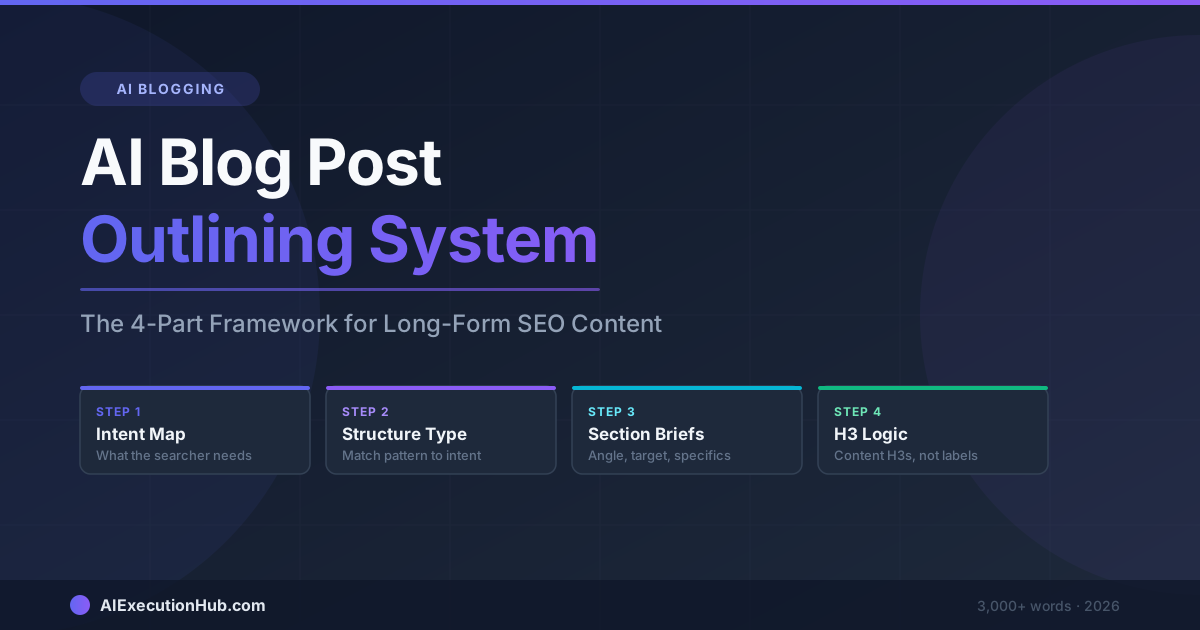
AI Blog Post Outlining System: The 4-Part Framework for Long-Form SEO Content
A practical AI blog post outlining system that structures long-form SEO content before drafting — 4 steps from keyword intent to section briefs that write themselves.
Claude vs ChatGPT for SEO Blogging: A Task-by-Task Verdict
Claude vs ChatGPT for SEO blogging — a task-by-task breakdown of which AI wins for outlines, meta descriptions, tone editing, internal linking, and more.
AI Content Calendar for Niche Sites: A Practical Planning System
Build an AI content calendar for your niche site — keyword clustering, publishing cadence, seasonal timing, and a repeatable monthly planning system.