AI Tools
Best AI Tools for Beginners: Practical Workflow Picks for 2026
A beginner-friendly guide to choosing AI tools by workflow, including writing, research, design, planning, productivity, and publishing systems.
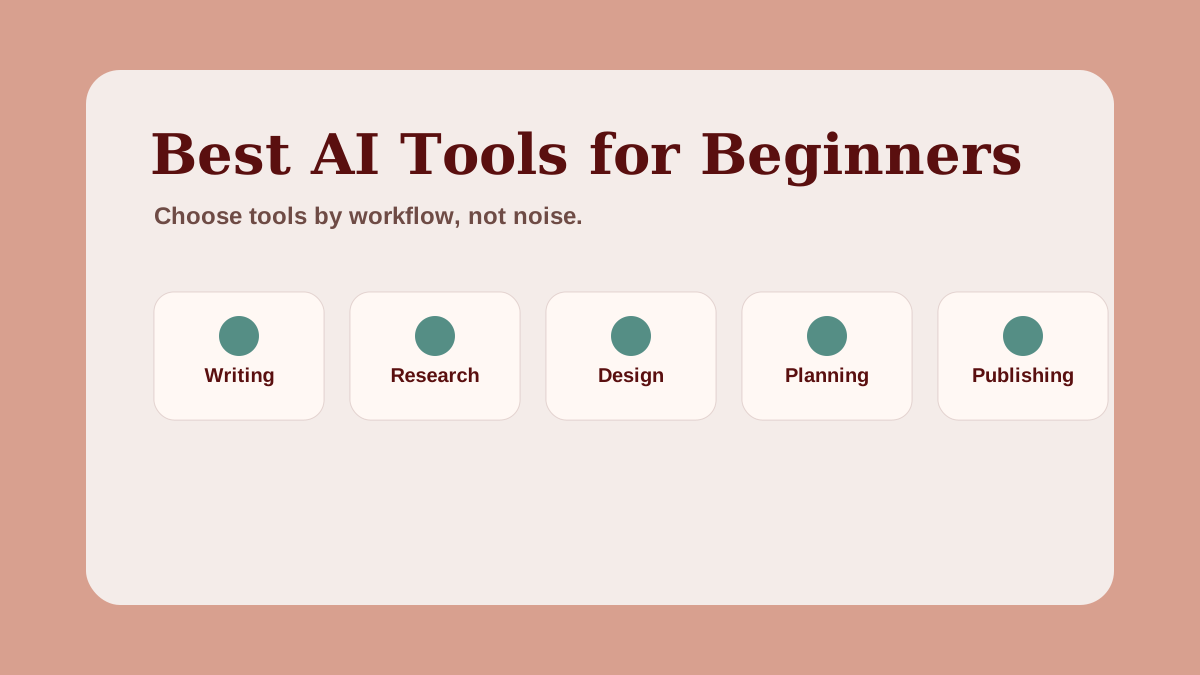
The best AI tools for beginners are not always the newest or most advanced. They are the tools that help you finish useful work.
That is the key filter.
A beginner does not need a giant software stack. A beginner needs a practical workflow: research, plan, draft, edit, design, publish, and review.
Quick answer: what AI tools should beginners learn first?
Beginners should start with one general AI assistant, one document tool, one spreadsheet or planning tool, one design tool, and one publishing or traffic channel. That simple stack is enough to build content workflows, prompt systems, Pinterest plans, research briefs, and beginner AI side hustle deliverables.
Tools change quickly, so this guide focuses on categories and workflows rather than hype.
Choose tools by workflow, not popularity
Tool lists can become overwhelming. A better approach is to ask:
"What job do I need this tool to do?"
For AIExecutionHub readers, the most useful jobs are:
- research
- outlining
- drafting
- editing
- prompt workflow design
- content planning
- Pinterest asset planning
- simple design
- publishing
- tracking
If a tool does not support one of those jobs, you may not need it yet.
The beginner AI tool stack
| Tool category | Beginner job | Example use |
|---|---|---|
| AI assistant | Thinking partner and drafting support | Research questions, outlines, summaries |
| Document tool | Delivery and editing | Guides, checklists, client deliverables |
| Spreadsheet or planning tool | Organization | Content calendar, keyword map, prompt tracker |
| Design tool | Visual assets | Pinterest pins, thumbnails, simple worksheets |
| Publishing channel | Distribution | Blog, Pinterest, newsletter, YouTube |
This stack is intentionally simple. It helps you build an AI workflow system before adding automation.
1. General AI assistant
A general AI assistant is the center of most beginner workflows. It can help brainstorm, summarize, outline, rewrite, compare options, and create first drafts.
Common choices include ChatGPT, Claude, and Gemini. Each tool changes over time, so check the current plan limits, privacy settings, and features before relying on it for a workflow.
Beginner use cases:
- generate article outline ideas
- summarize research notes
- compare side hustle ideas
- turn rough notes into a checklist
- write first-pass pin descriptions
- improve a prompt sequence
The important skill is not only prompting. It is reviewing the output.
2. Research and answer tools
Research tools help you understand a topic before you write or build. They can support search intent, audience questions, competitor angles, and source discovery.
For beginners, the main rule is simple: do not treat AI research as automatically true. Use it to organize questions, then verify important claims.
Useful research workflows:
- ask for common beginner questions
- compare possible article angles
- build a list of terms to define
- identify missing sections
- create a source-checking list
For educational content, accuracy matters more than speed.
3. Document tools
A document tool turns AI output into something usable.
This might be Google Docs, Notion, Microsoft Word, or another editor. The tool matters less than the habit of organizing the final deliverable clearly.
Beginner deliverables can include:
- blog outlines
- checklists
- prompt packs
- research briefs
- content plans
- simple ebook drafts
Documents are also useful because they force you to edit. Editing is where AI-assisted work becomes human-quality work.
4. Spreadsheets and planning boards
Spreadsheets are underrated AI productivity tools. They help beginners turn ideas into systems.
Use a spreadsheet for:
- keyword lists
- Pinterest pin titles
- content calendars
- prompt workflows
- resource ideas
- outreach tracking
- weekly review notes
If you are building an AI side hustle, a simple spreadsheet can track your audience, offer ideas, sample deliverables, and outreach messages.
5. Design tools
AI education content often needs visuals: thumbnails, Pinterest pins, checklists, and simple resource graphics.
A tool like Canva can help beginners create clean visual assets without starting from a blank design file. The key is to keep visuals readable and trustworthy.
Avoid:
- tiny text
- neon-heavy designs
- fake income screenshots
- cluttered graphics
- visuals that do not match the article
For Pinterest, readable vertical images usually matter more than complicated design.
6. Publishing and traffic tools
Publishing is part of the tool stack because AI work needs distribution.
Beginner channels include:
- a blog
- a newsletter
- YouTube
- community answers
Do not try to use every channel at once. AIExecutionHub's strongest early path is the Pinterest + blog system because it supports evergreen discovery, educational visuals, and resource-led content.
For that path, read the Pinterest Traffic Engine for AI Creators.
7. Automation tools, later
Automation can be useful, but beginners often add it too early.
Before automating, ask:
- Is the task repeated often?
- Is the workflow already clear?
- Is the output quality consistent?
- Would automation save meaningful time?
- Could automation create errors faster?
If the workflow is still messy, automation usually makes the mess faster.
Start manual. Build the system. Then automate the boring parts.
How to choose your first tool stack
Use this simple decision filter:
- Pick one outcome.
- Choose one AI assistant.
- Choose one place to organize the work.
- Choose one place to publish or deliver.
- Review results before adding another tool.
Example:
Outcome: turn blog posts into Pinterest content.
Stack:
- AI assistant for title ideas and descriptions
- Google Docs or Notion for editing
- Spreadsheet for pin calendar
- Canva-style design tool for visuals
- Pinterest for publishing
That is enough to start.
Common mistakes beginners make
Avoid these tool mistakes:
- paying for too many tools at once
- switching tools before learning the workflow
- publishing unedited AI output
- choosing tools because they are trending
- ignoring privacy and account settings
- building automations before validating the process
The best AI tool is the one that helps you finish useful work more consistently.
FAQ about AI tools for beginners
What AI tools should beginners learn first?
Beginners should start with one general AI assistant, one document tool, one spreadsheet or planning tool, one design tool, and one publishing or traffic channel.
Is ChatGPT enough for beginner AI workflows?
ChatGPT or another general AI assistant can be enough for many beginner workflows, but the final system usually also needs documents, planning, design, editing, and publishing tools.
Should beginners pay for AI tools immediately?
Beginners should avoid paying for many tools before they understand their workflow. Start with a simple stack, test the process, then upgrade only when a tool removes real friction.
How do I choose the best AI tool?
Choose the best AI tool by the task you need to complete, the output quality, the learning curve, the cost, and how well it fits your repeatable workflow.
Next step
Once you choose your tool stack, use it inside a workflow. Start with the beginner AI workflows guide or the AI content workflow system. For the full pillar that connects every tool layer into a complete AI blogging workflow, read the 2026 edition system.
If you want to see how these tools fit into a repeatable blogging process, the AI blogging workflow for beginners walks through 7 execution steps — from keyword research to publish — using the free-tier tools listed above.
If you use WordPress with Yoast SEO, the guide to automating Yoast SEO meta with AI shows you exactly how to use your AI assistant to write meta titles, descriptions, and focus keyphrases — with copy-paste prompt templates that work with any of the tools above.
Related AI systems
Continue with connected AI workflow guides.
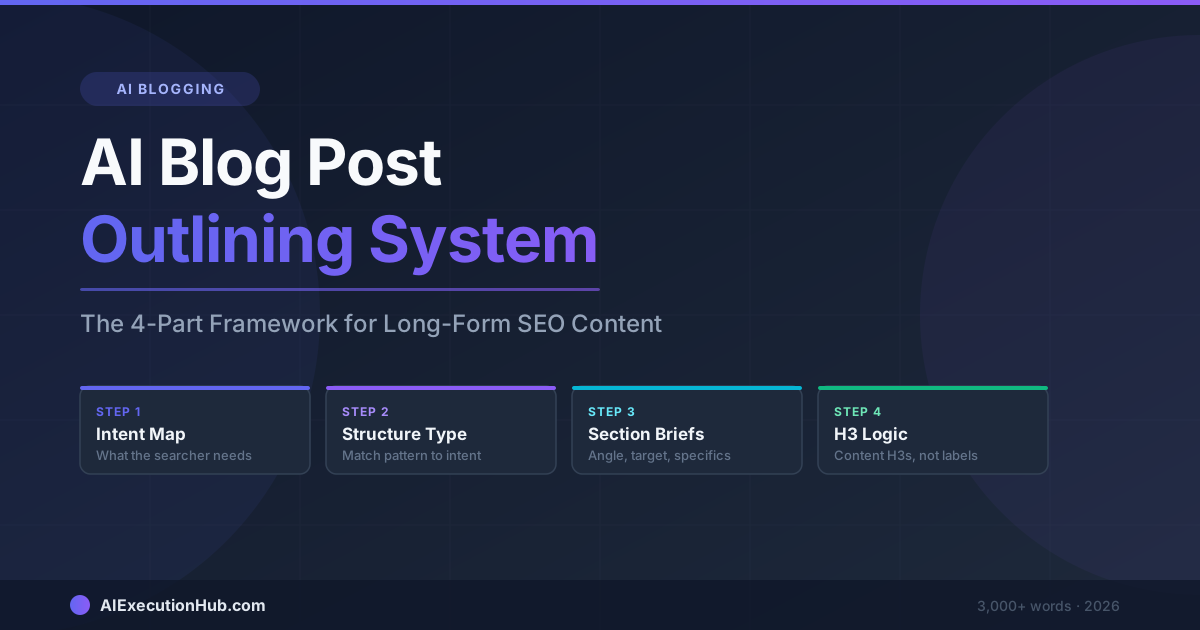
AI Blog Post Outlining System: The 4-Part Framework for Long-Form SEO Content
A practical AI blog post outlining system that structures long-form SEO content before drafting — 4 steps from keyword intent to section briefs that write themselves.
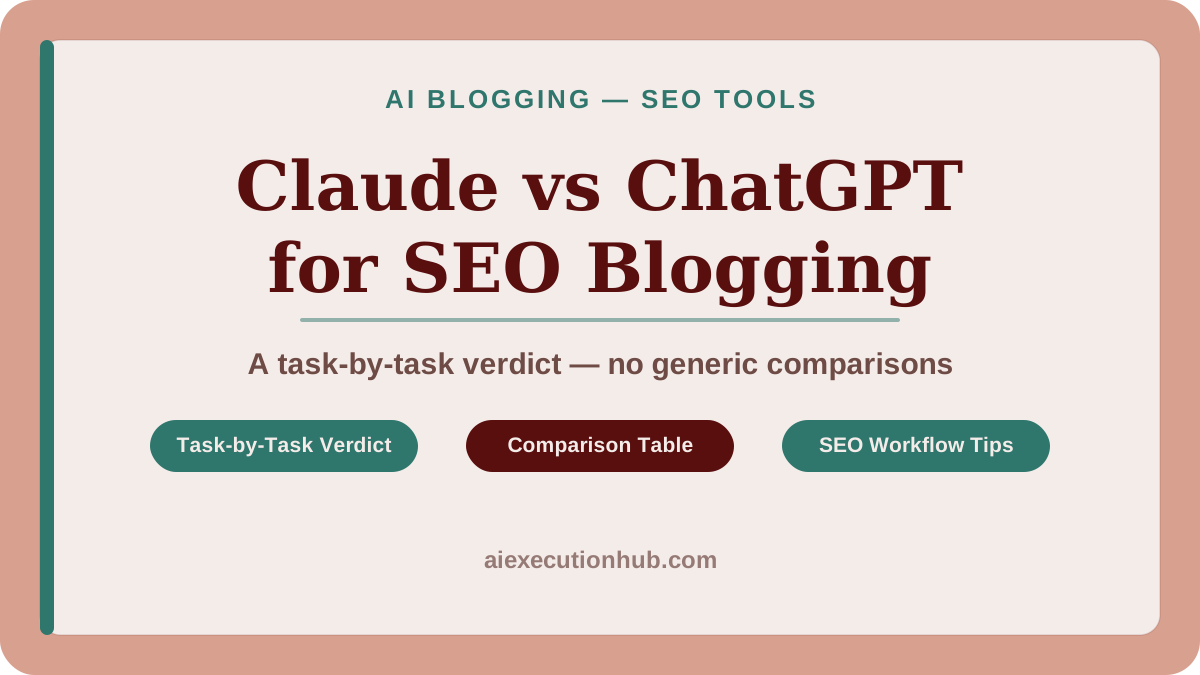
Claude vs ChatGPT for SEO Blogging: A Task-by-Task Verdict
Claude vs ChatGPT for SEO blogging — a task-by-task breakdown of which AI wins for outlines, meta descriptions, tone editing, internal linking, and more.
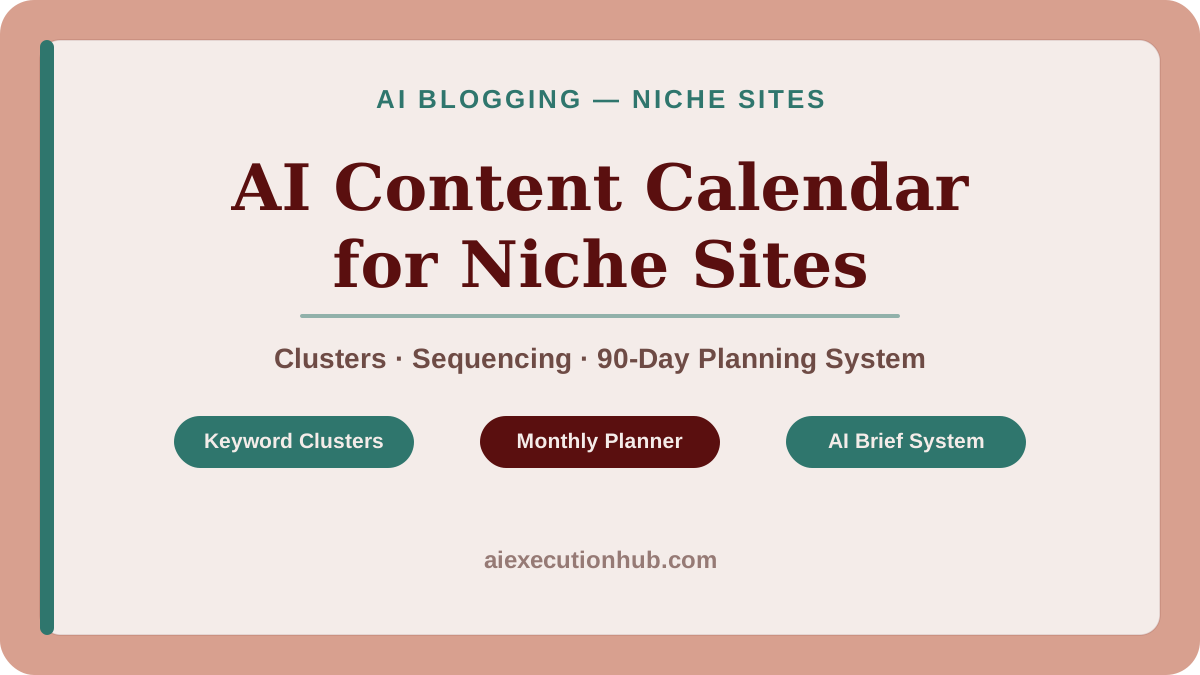
AI Content Calendar for Niche Sites: A Practical Planning System
Build an AI content calendar for your niche site — keyword clustering, publishing cadence, seasonal timing, and a repeatable monthly planning system.